01
Make every bin findable
Name a bin, add its home, and give it a color you can recognize at a glance.
 Label Trace
Home organization, without the guesswork
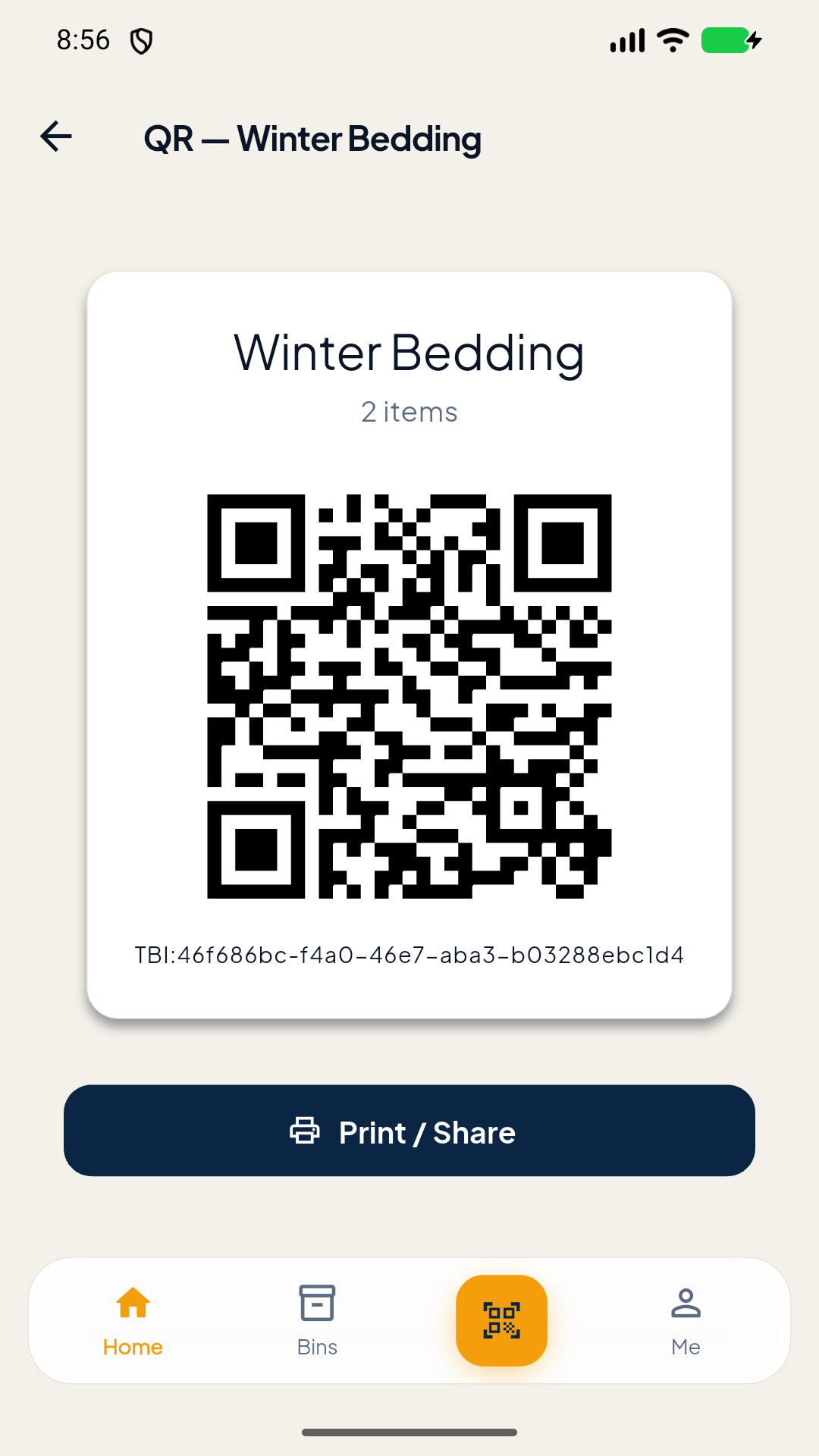
Label Trace keeps a simple record of what you own and where it lives, so the things you need are never lost in a stack of boxes.
See how it works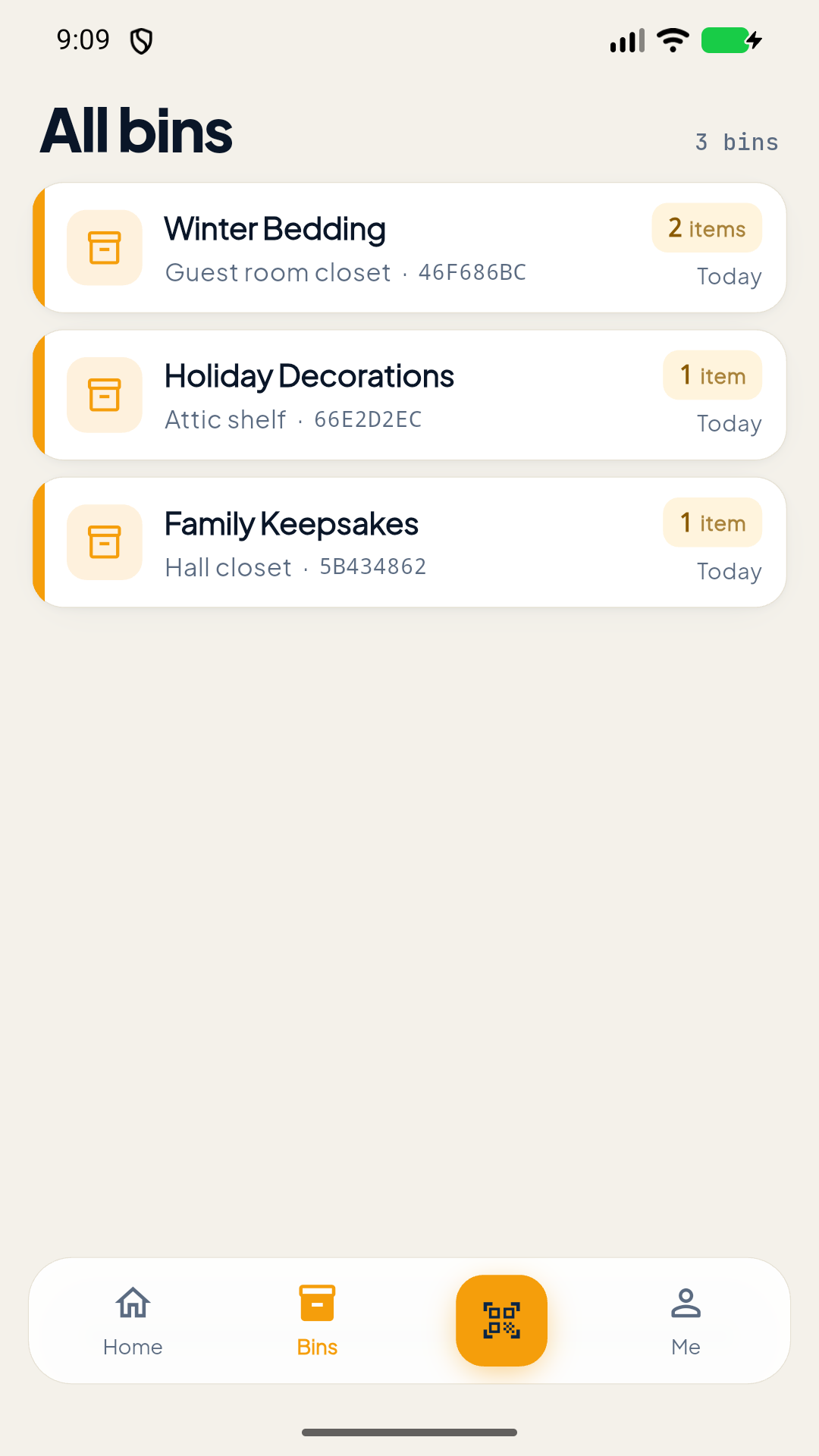
A simple system that sticks
Three small habits turn a closet of mystery boxes into a system you can search.
Name a bin, add its home, and give it a color you can recognize at a glance.
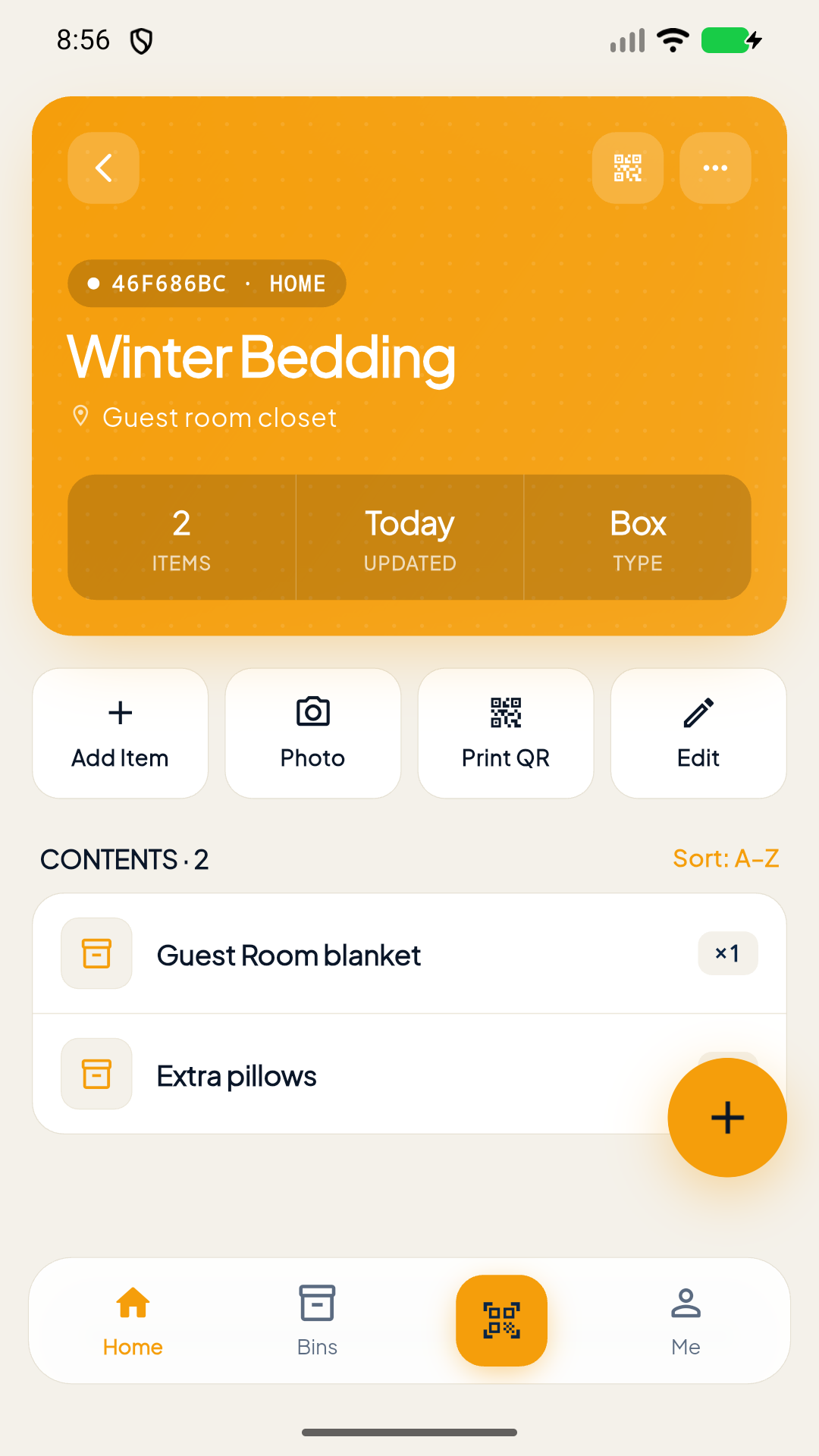
Add the belongings inside with notes, quantities, and photos when a picture makes all the difference.
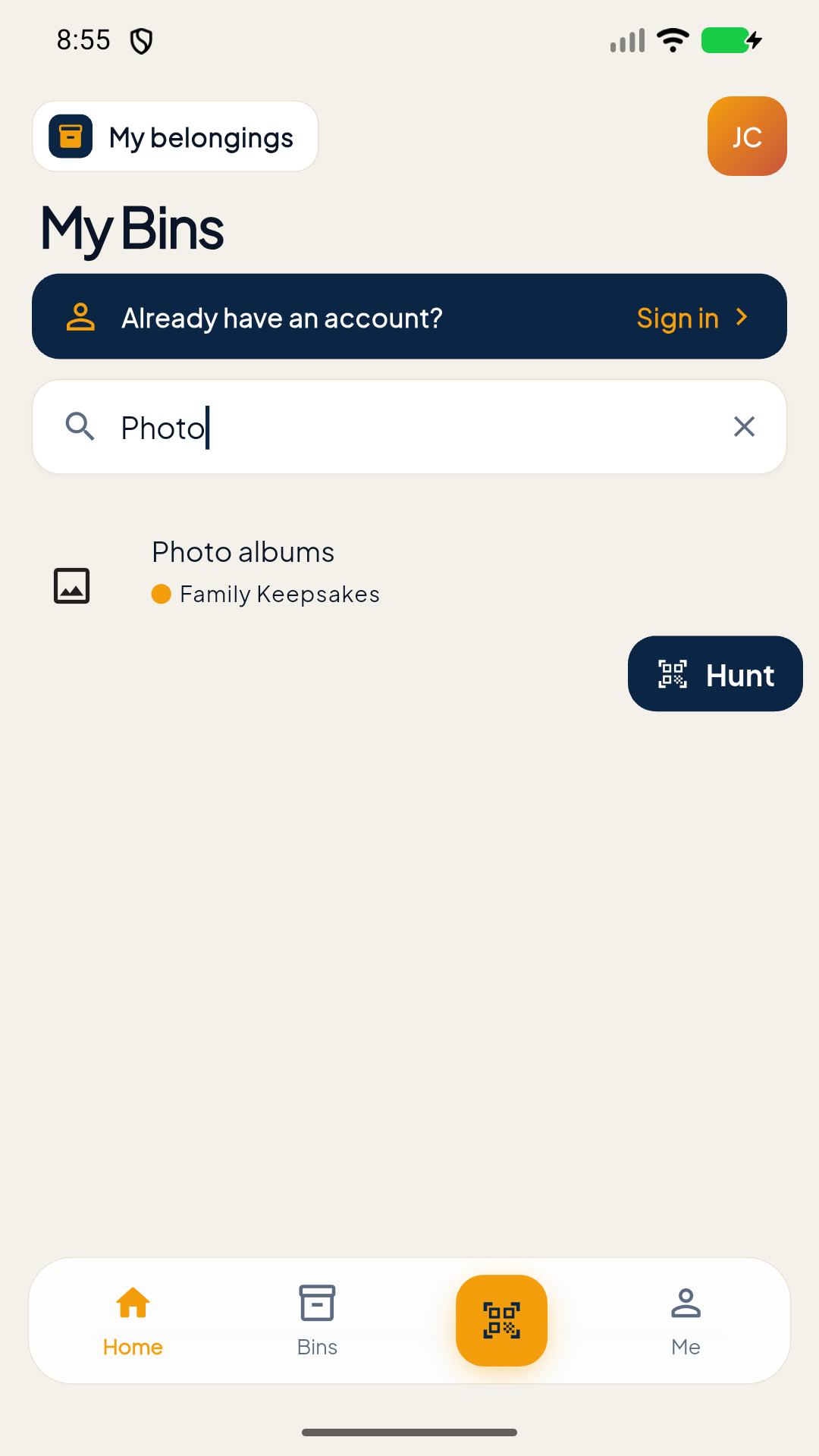
Search for what you need, then scan labels with Hunt Mode to zero in on the right bin.
Meet Hunt Mode
Search for the belonging you want, then let Label Trace guide you to its bin. Scan your QR labels and get a clear answer before you start digging.
Made for the real world
A calmer way to keep track of the things that make a home yours.
Designed to be personal
Item photos stay on your device in the current version of Label Trace. We do not sell your personal information or use your belongings data for advertising.
Read our privacy policyLabel Trace is built for everyday life on Android.